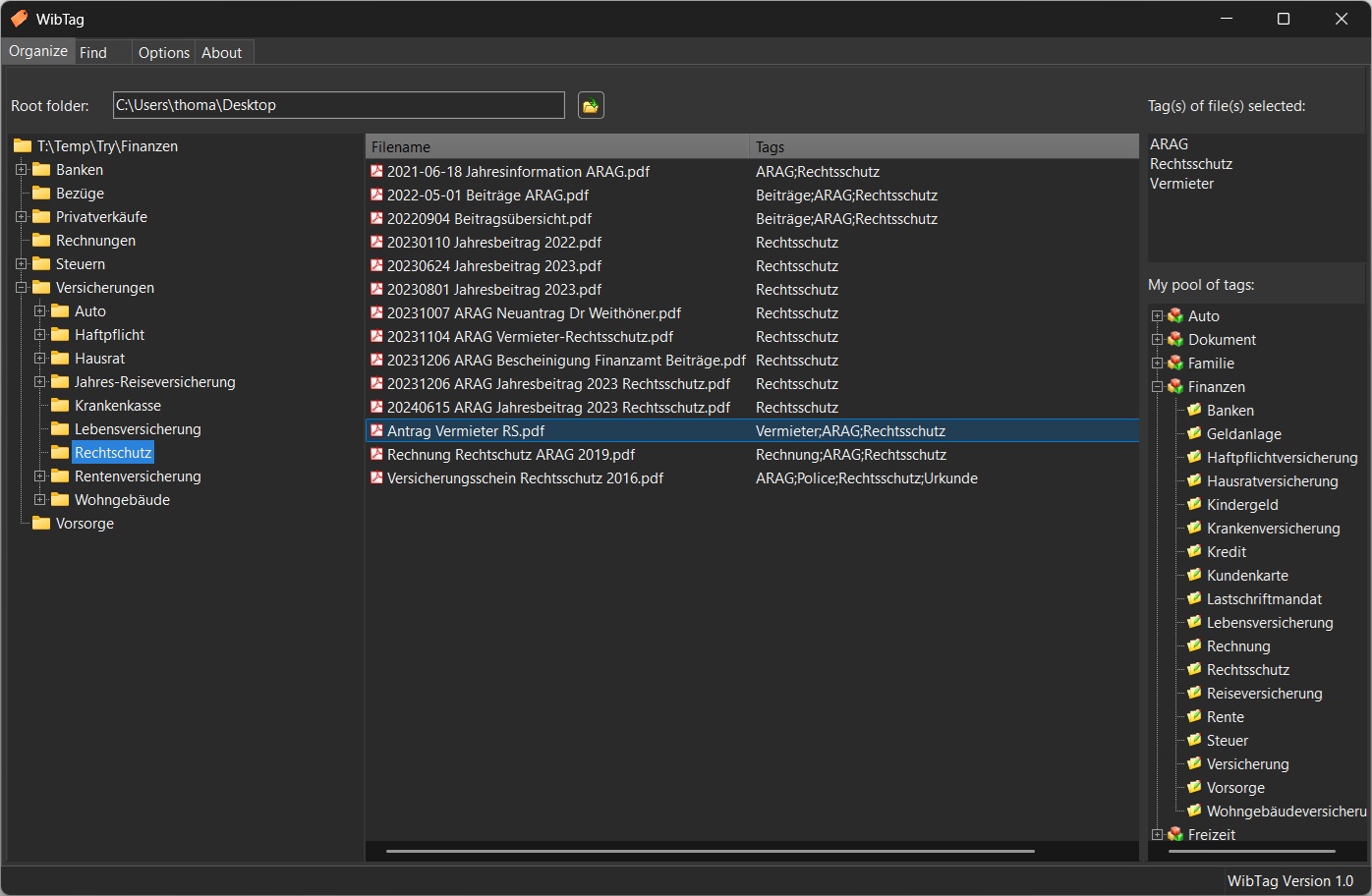
No need to re-invent the wheel. Just keep your preferred structure for folders and documents. WibTag will let you choose your root folder and offer you the familiar windows file explorer style of viewing files.

WibTeX & WibTag
Get Organized.
Get Organized.

WibTag replaces complicated and often expensive document management systems.
Read More

Categorize your documents with your customized tags.

Categorize your documents with your customized tags.

No matter if business pictures or family life - easy tag & find.

No matter if business pictures or family life - easy tag & find.

The WibTag pool of tags can be used also for your digitalized music collection.

The WibTag pool of tags can be used also for your digitalized music collection.
Choose a root folder in which you store all the digital files you want to organize with WibTag.
Below, you find a panel with subdirectories through which you can browse. On the right, you see the contained files. Selecting files will display the tags that are already contained.
In the right lower corner is your pool of tags which you can customize according to your needs. Tags are organized in categories.
You can drag & drop the tags onto the files and vice versa. You can also enter one or several tags at a time for one or several files. Right clicks will give you all the options.
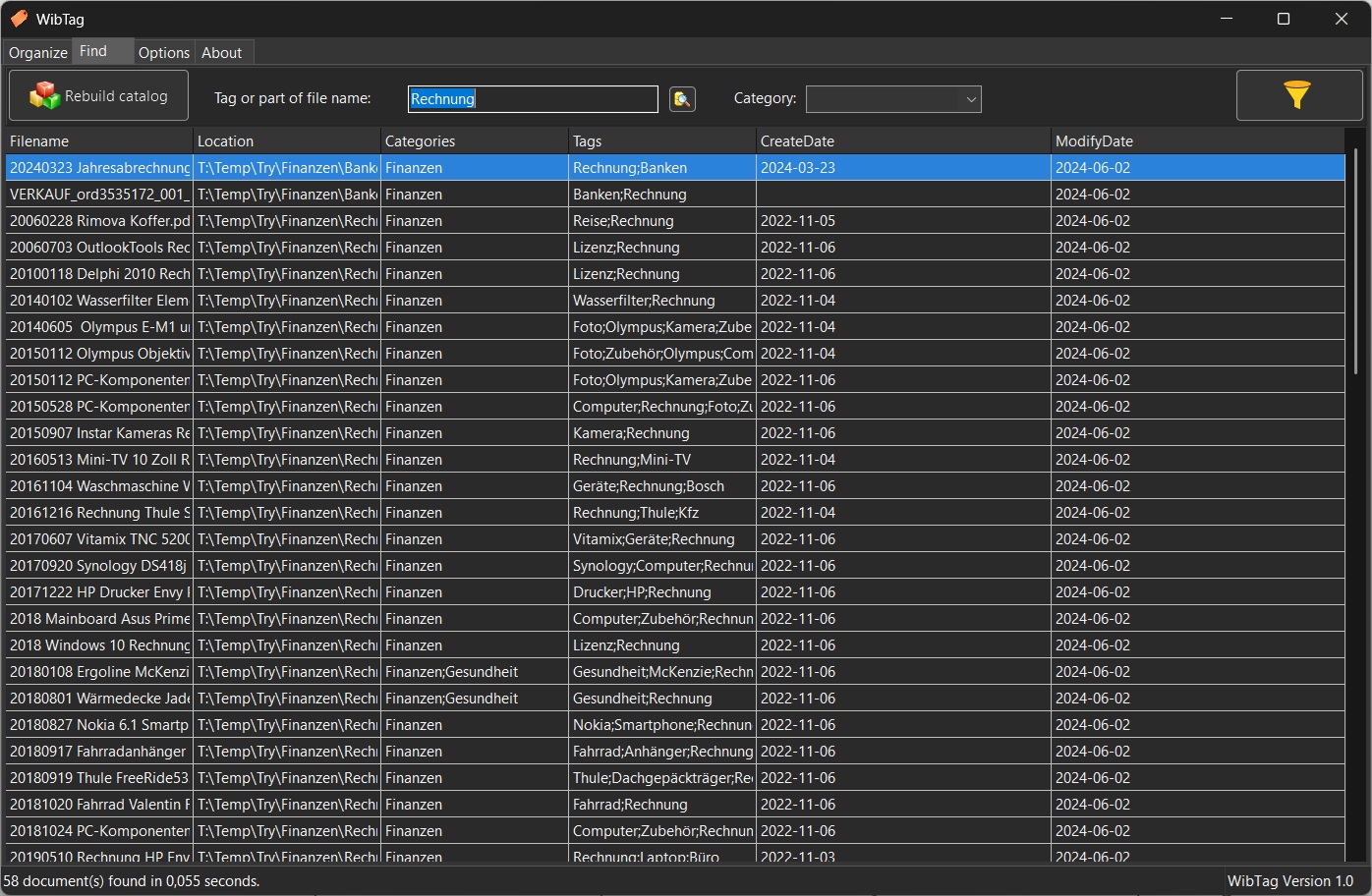
Use your tags, parts of the filename or the categories to quickly find what you are looking for. A double click on the search result will open the file for printing, editing etc. with the associated application.
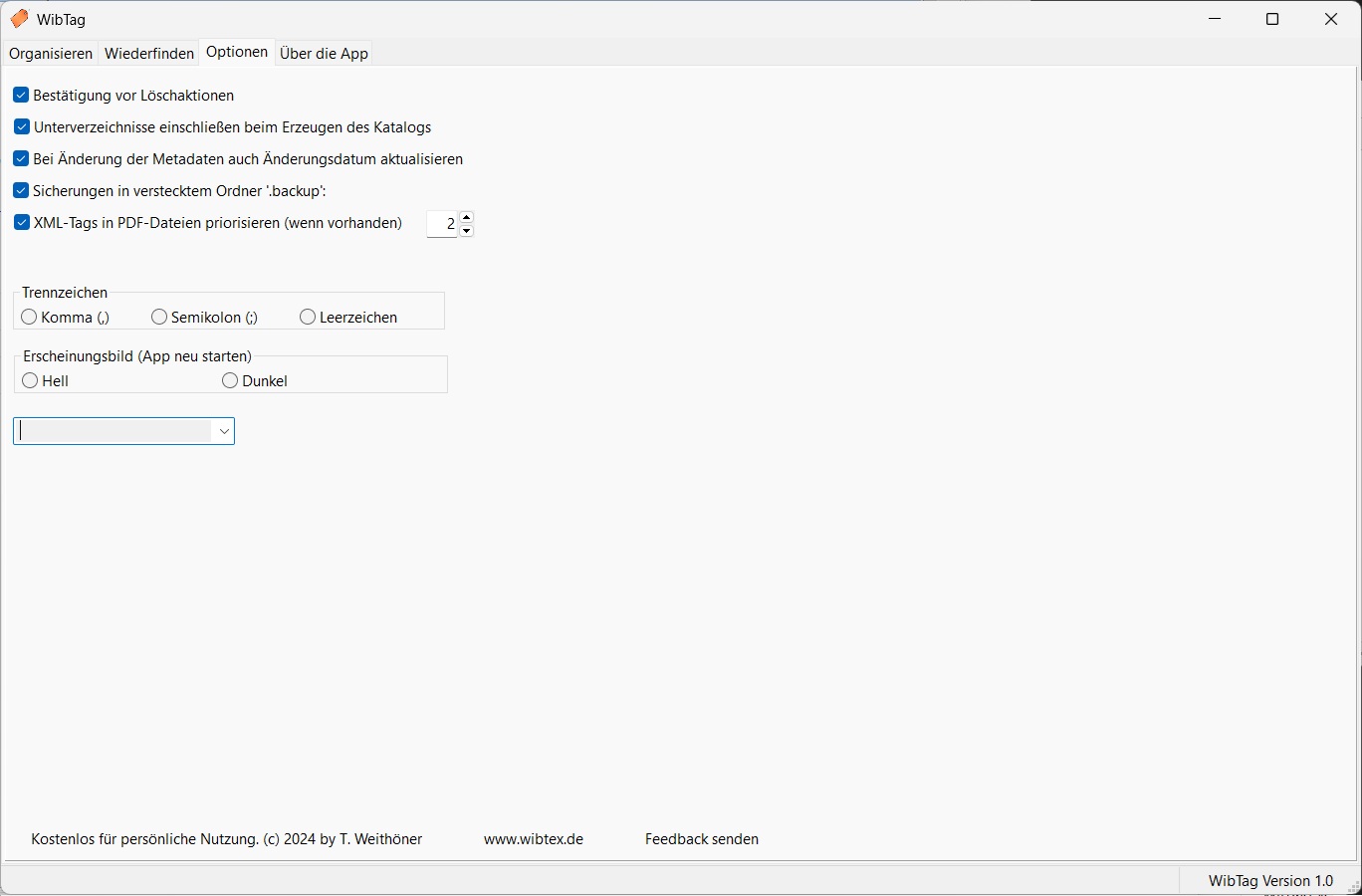
Toggle languages (currently English/German), toggle between dark or light theme, among other settings.